How does the AI illustration generator work?
Simply describe the scene or concept you want to visualize, select a curated aesthetic engine or custom style DNA preset, and Pixenza generates high-resolution, publication-ready artwork in seconds.
Generate publication-ready 2D and 3D illustrations from simple text prompts. Choose curated styles or custom style DNA, iterate with conversational prompts, and recolor live for free.
 Modern SaaS
 Flat Vector
 Soft 3D
 Isometric 3D
Browsing style presets...
Pick a curated style and generate artwork tuned to your brand palette.

Master narrative character illustration — expressive 30-35% head ratio, abstract framing backdrop, grounded floor patch, vector cel-shading.
Flat 2D isometric vector scenes with 3-tone facet shading — sharp icons, pure white, landing-page ready.
3D glassmorphic isometric ecosystems — floating hubs, circuit paths, sharp icons, pure white studio void.
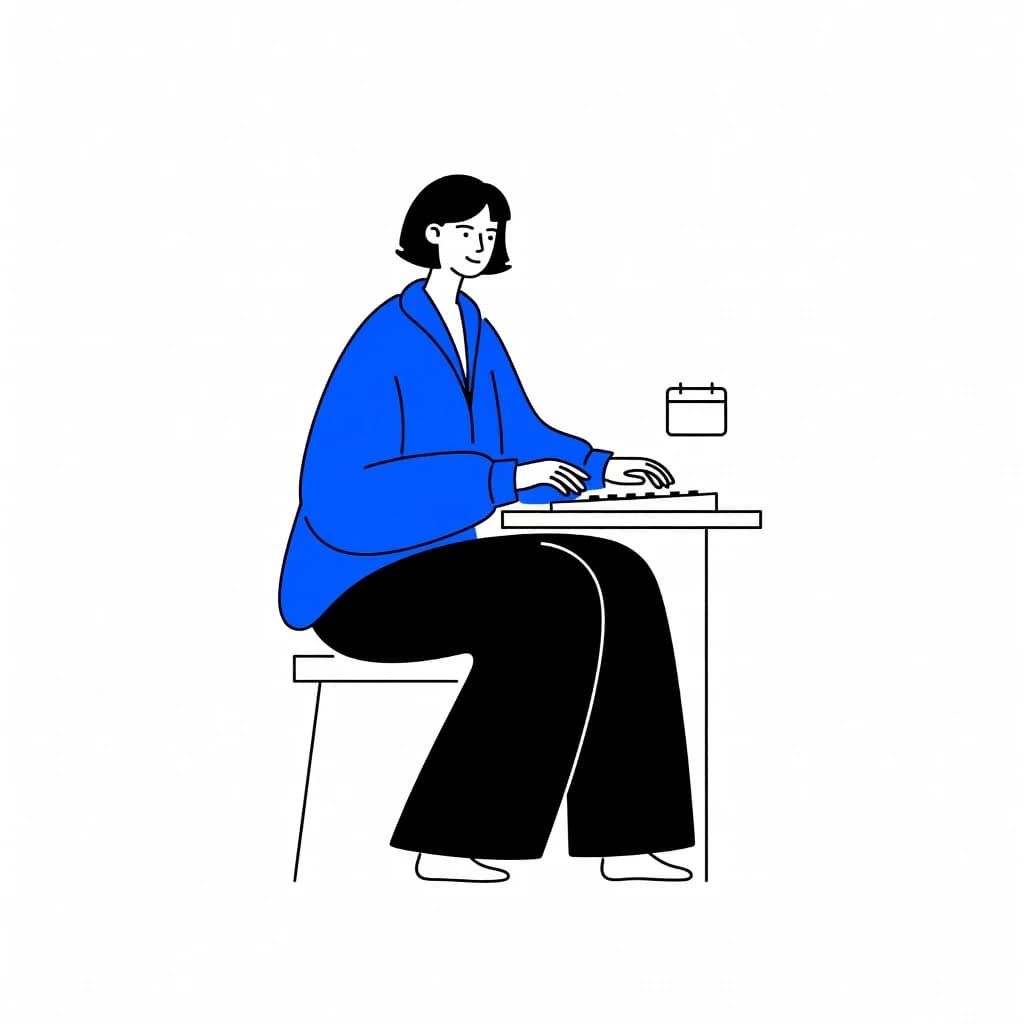
Minimalist SaaS line art with reductive anatomy, flat fills, and a single brand accent on pure white.
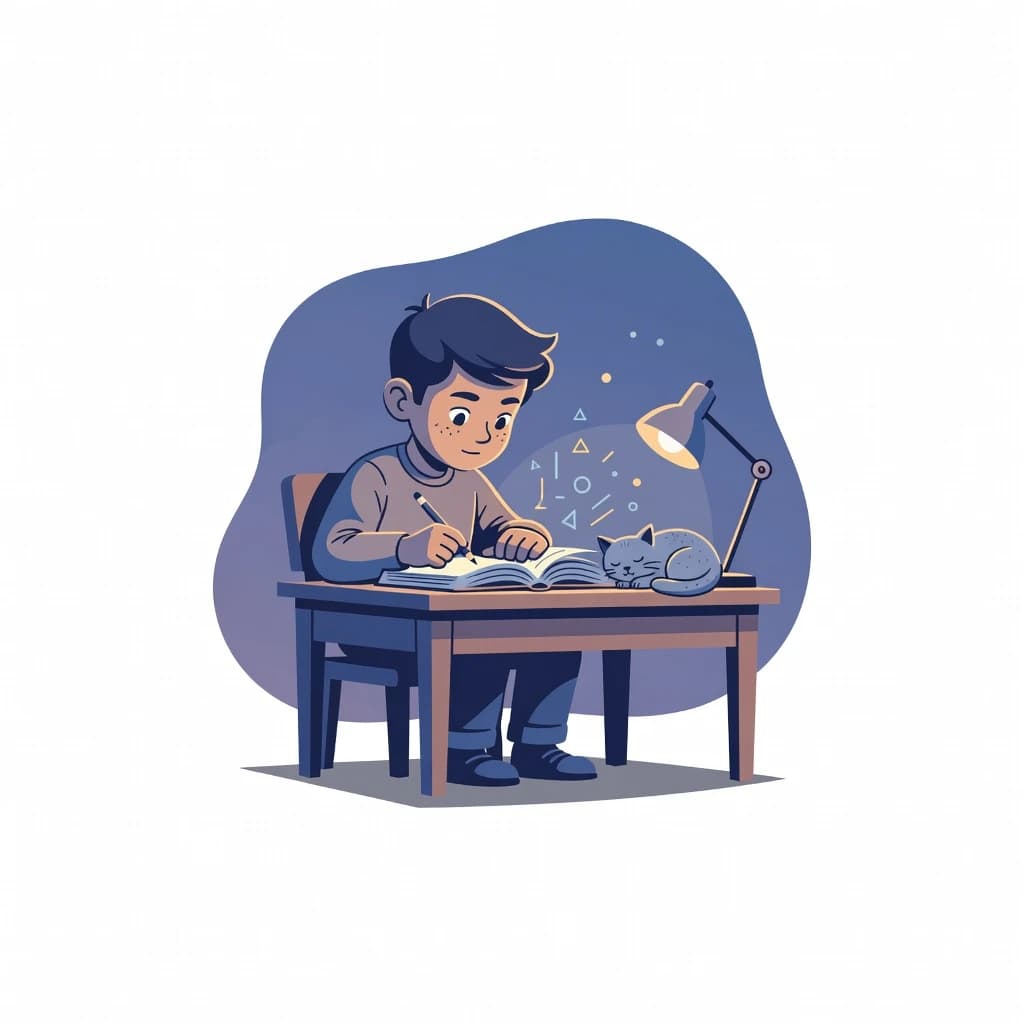
Master character design spot illustration — exaggerated proportions, angular vector geometry, cel-shaded lighting on pure white canvas.

Isometric 3D cluster tech illustration — heavy central anchor, 3-5 satellite nodes, flat 3-tone cel-shading, pure white void.
Click any color zone on your artwork to swap it to your brand hex instantly.
Live In-Browser Color Engine
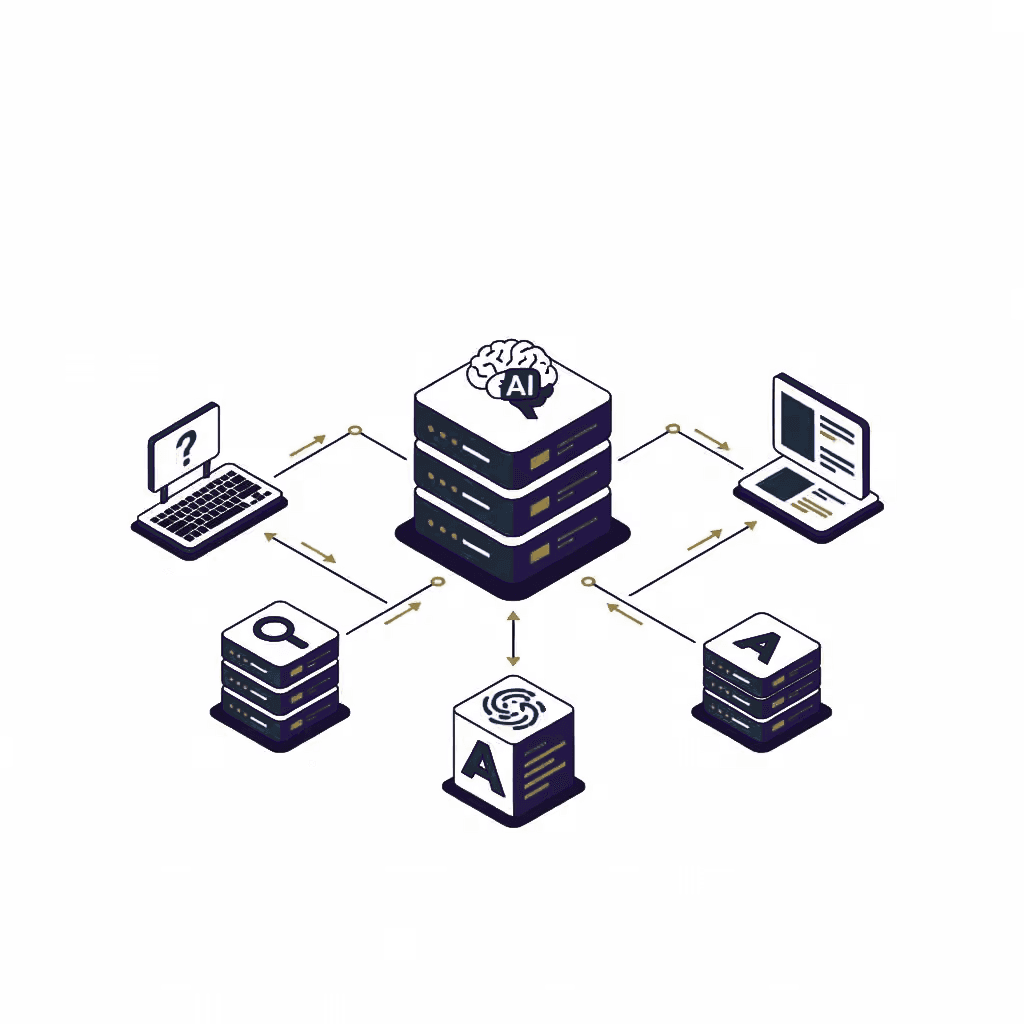

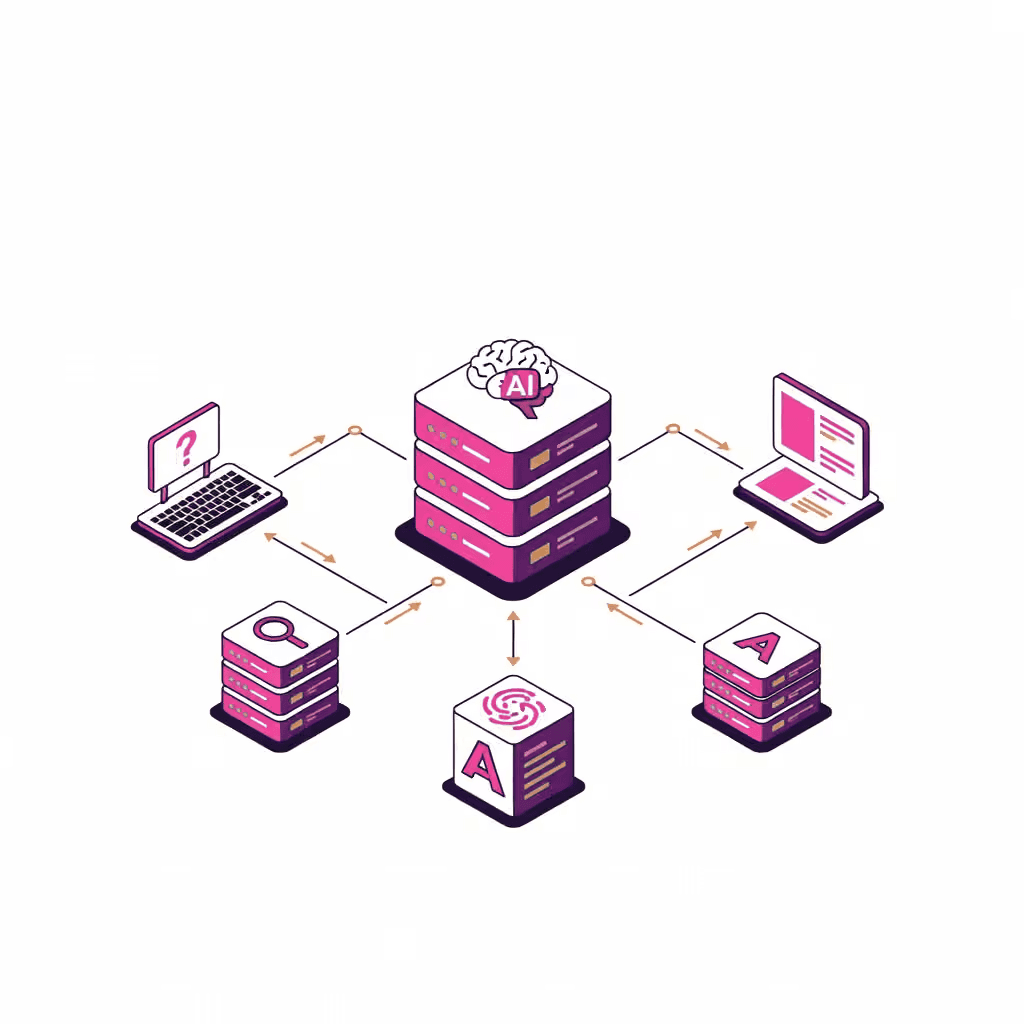

No slow freelance turnarounds. No generic stock image libraries.
| Capability | Pixenza Illustration Studio |
|---|---|
| Generation Speed | Under 30 seconds from prompt |
| Prompt-Based Iterations | Modify with natural prompts (e.g. 'Add a crown') |
| Brand Color Consistency | 100% locked to your hex codes |
| Custom Style DNA | Extract reusable style rules from reference images |
| Color Edits & Tweaks | Instant live recolor (0 tokens) |
| Commercial License | Full commercial ownership included |
Bespoke, on-brand artwork tailored for founders, product designers, and growth marketers.
Simply describe the scene or concept you want to visualize, select a curated aesthetic engine or custom style DNA preset, and Pixenza generates high-resolution, publication-ready artwork in seconds.
Yes. Just like our headshot editor, you can iterate on your artwork by typing natural language instructions such as 'Add a gold crown', 'Change lighting to sunset', or add specific props seamlessly without starting over.
Yes. You can select from curated brand palettes or enter your exact brand hex codes. Pixenza weaves your accent color harmoniously throughout the illustration composition.
Yes. Our Instant Color Editor allows you to sample any color in the artwork and replace it with a new hue directly in your browser. This requires zero token spend and happens in real time.
You can lock in any curated style engine or upload a reference image to extract its Style DNA (lighting, strokes, and palette). Every illustration generated under that style preset maintains identical aesthetic rules.
Yes. All illustrations created with an active Pixenza account come with full commercial rights. You can freely use them in client projects, landing pages, marketing campaigns, pitch decks, and digital products.
Start free with 5 credits. No credit card required.